
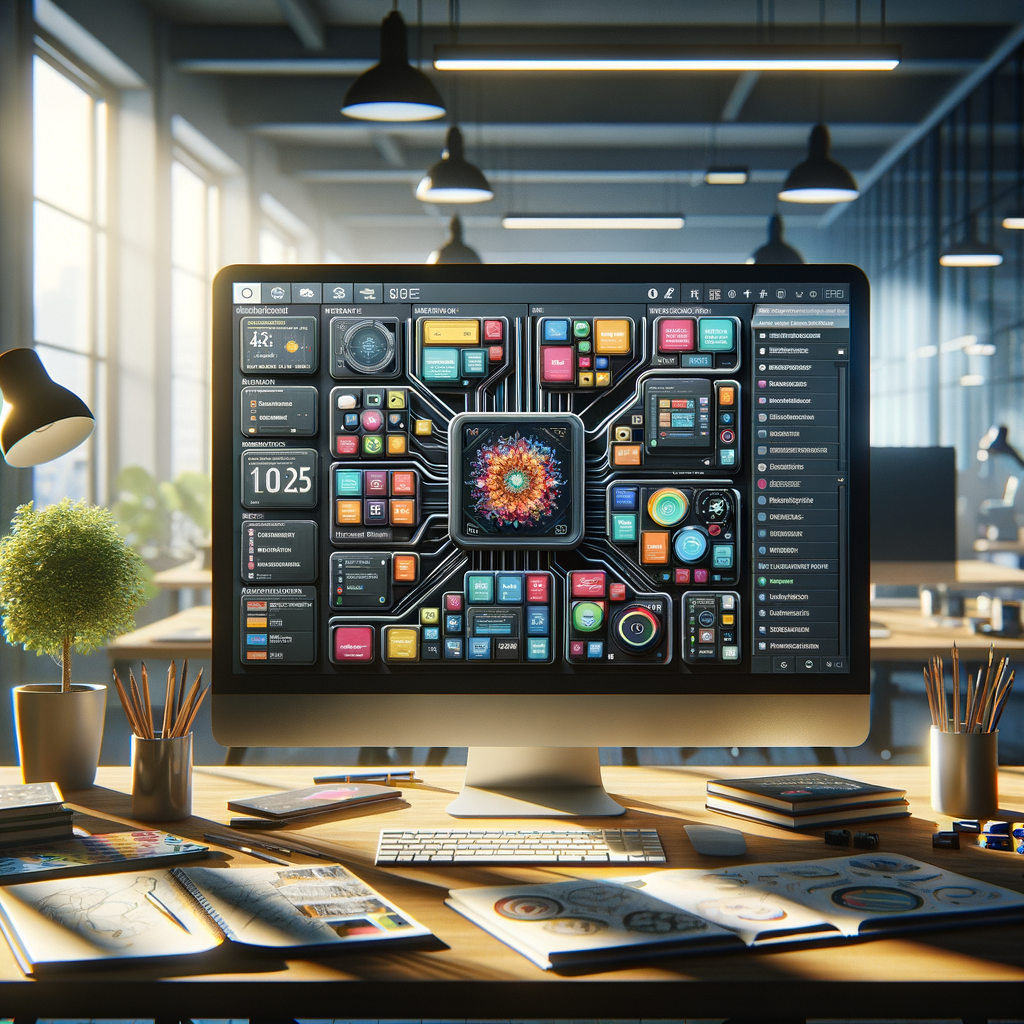
Exploring the Different Modules of MSMAware for Comprehensive Design Solutions
Hey there, design aficionados and tech gurus! Are you ready to dive into the fascinating world of MSMAware? If you’ve ever felt bogged down by the monotony of project management and lacking the creativity you crave, you’re in the right place. This blog will take you through the various modules of MSMAware that can transform your design workflow into something smooth, efficient, and dare I say – enjoyable!
What is MSMAware?
So, what exactly is MSMAware? Think of it as your digital toolbox, equipped with various tools designed to aid in comprehensive design solutions. Whether you’re a freelance artist, part of a massive design team, or a manager looking to streamline processes, this solution offers you a buffet of modules tailored to fit any creative appetite.
Key Modules of MSMAware
Now that we’ve set the stage, let’s dig into the meat of this post – the pivotal modules that make MSMAware a must-have tool for designers!
1. Project Management Module
The Project Management Module acts as your project’s control center. Here’s why it shines:
- Task Assignment: Easily delegate tasks to team members and keep everyone on track.
- Timeline Tracking: Visual timelines help ensure deadlines are met without the mad rushing.
- Integrated Feedback: Clients can provide instant feedback which means quicker revisions and happier clients!
2. Design Collaboration Module
If there’s one thing that can make or break a design project, it’s collaboration! The Design Collaboration Module ensures you never face creative block alone:
- Real-Time Editing: Multiple users can edit projects simultaneously, leading to sparkly ideas flying around!
- Version History: Need to track changes? This module stores previous iterations, making it easy to revert if needed.
3. Resource Management Module
Managing resources can be a real headache – but not with the Resource Management Module! Here’s a quick rundown:
- Asset Storage: Centralized storage for all your design assets means no more scouring through folders!
- Allocation Tracking: Know exactly who is working on what and when resources need to be replenished.
Why Choose MSMAware?
Still on the fence about integrating MSMAware into your workflow? Here are a few compelling reasons:
- User-Friendly: The interface is intuitive, making onboarding a breeze.
- Customizable: Tailor the modules to your specific design needs for a personalized experience.
- Cost-Effective: Offering solid value for money, especially for teams looking to up their game.
Real-Life Success Stories
Nothing speaks louder than success. Here are a couple of glorious tales from those who’ve embraced MSMAware:
Design Agency Revamps Workflow: An agency reported a whopping 30% increase in productivity after transitioning to MSMAware. The seamless integration between design and project management modules allowed team members to focus on creativity rather than admin hassles.
Freelancer Finds Freedom: A freelance designer shared that using MSMAware helped them streamline communication with clients, leading to faster approvals and, let’s face it, more time for Netflix! Sounds tempting, right?
Final Thoughts
If you’re in the design realm and haven’t yet explored MSMAware, you’re missing out on a phenomenal resource that can revamp your entire approach to design projects. Whether you’re working solo or as part of a larger team, these modules can be the lifeline you need to boost productivity, enhance creativity, and elevate client satisfaction.
So what are you waiting for? Dive into the world of MSMAware, and let your design journey become a fun and fulfilling adventure!


